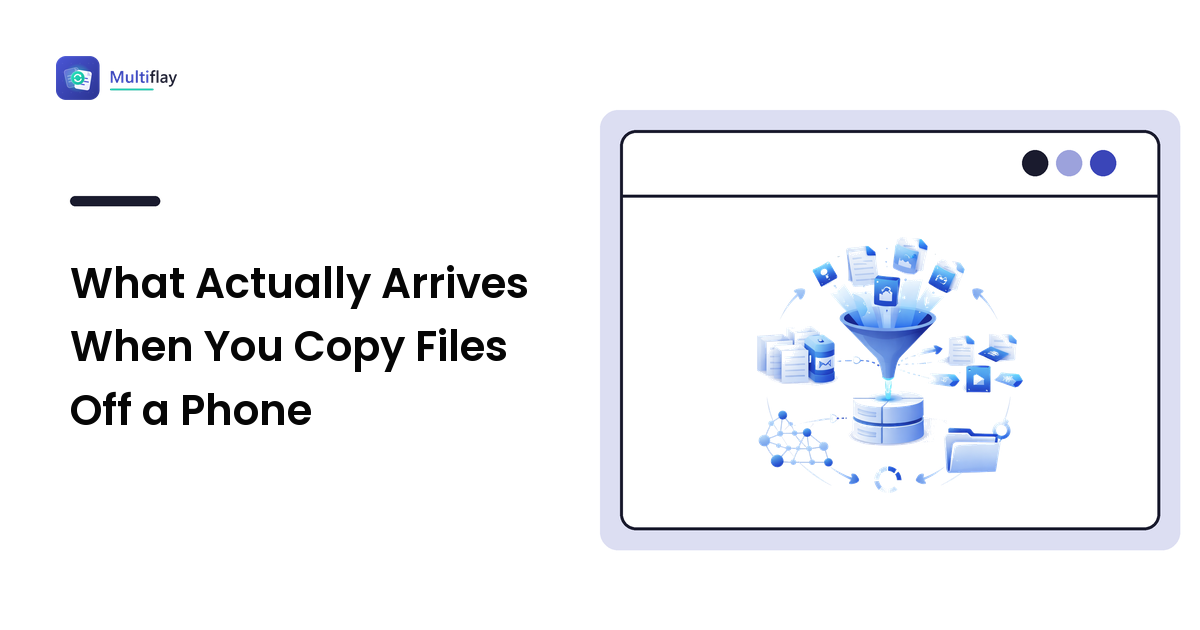
Plugging a phone into a computer and dragging its storage across feels like copying a folder. It isn't, quite. What you see in File Explorer is a view of the phone's storage provided over MTP, and what lands on your disk differs from what you saw in the gallery in several ways that only become obvious later — usually after the phone has been wiped.
This is a guide to the gap: where the files actually are, which ones won't open when they arrive, what information travels with them, and how to tell a complete copy from one that quietly stopped.
The gallery is not a folder
The photo app shows you one curated stream. The filesystem underneath is scattered:
DCIM/Camera— photos and videos from the camera itself. This is what most people mean by "my photos."Pictures/— screenshots (often inPictures/Screenshots), edited copies, and images saved by apps.Download/— anything saved from a browser or a message.- App-specific folders — images received in messaging apps typically live under that app's own directory, not in DCIM.
Movies/,Music/,Documents/— the rest of what you'd want in an archive.
Copy only DCIM and you will lose every screenshot and every picture anyone ever sent you. That is the single most common way a "complete backup" turns out not to be one. If the goal is an archive, copy the whole internal storage tree, and remember the SD card is a separate volume that must be copied separately.
Why some files refuse to open once they arrive
Two format decisions made by the phone cause most of the trouble on a Windows machine.
HEIC photos. Modern phones default to HEIC because it halves file size at the same quality. Windows can't preview HEIC without the right codec installed, so a folder of perfectly good photos shows up as generic icons that open in nothing. The files are fine — the reader is missing. Our guide to HEIC photos on Windows covers both fixes: installing the codec, or switching the camera to the more compatible JPEG setting before the next batch.
HEVC video. Same story for video. Clips play on the phone and stall in an older Windows player. A modern player handles them; an ancient one won't.
If you plan to archive for the long term rather than just move files, this is the moment to decide whether to convert. Converting costs quality if done carelessly and buys you files that will open on anything in ten years. Keeping the originals costs nothing today and bets on codec support persisting. The defensible answer for irreplaceable photos is to keep the original and convert a working copy.
What metadata survives — and what doesn't
A straight file copy preserves the EXIF data embedded inside each image: the capture date, camera settings, and — if location tagging was on — the GPS coordinates. That is usually what you want, since the capture date is what photo software sorts by.
Two things do not survive. Albums and favourites live in the phone's photo app database, not in the files, so the organisation disappears the moment you copy. And file timestamps frequently arrive as the copy date rather than the capture date, which makes a folder sorted by "date modified" look like everything happened this afternoon. Sort by the EXIF date in a photo tool instead of trusting the filesystem.
Worth knowing before you share any of it onward: those same photos carry more than a date. Location, device model, and edit history often ride along, which is covered in detail in our piece on what metadata is hiding in your files.
Why the transfer stops without telling you
MTP — the protocol phones use to expose their storage — is not a disk connection. It is a message-based protocol, and it is noticeably less robust than copying between two drives. In practice that means large copies can stall, a screen lock partway through can interrupt the session, and the copy dialog sometimes reports success on a set that is short by a few hundred files.
Three habits make it reliable:
- Copy in batches by folder, not the entire storage in one drag. A failure then costs you one folder, not the whole run.
- Keep the phone unlocked and awake for the duration — sleep is a common cause of a half-finished transfer.
- Verify by count. Compare the number of items in the source folder with the destination before you delete anything. A file count is a crude check, but it catches the silent truncation that a progress bar doesn't.
And if the phone never appears in the first place — it charges, but no device shows up — that is a connection problem, not a copying one. Windows exposes a phone's folders through MTP only once it has a driver that binds the handset's interface, which is why a Samsung phone can charge happily while File Explorer shows nothing at all: the media-device interface is there, but nothing on the PC is speaking to it. Installing the handset's Windows USB driver is what turns that invisible device into the browsable DCIM tree described above. It comes down to the cable's data lines, the phone's USB mode, or that missing driver; for Samsung handsets the Samsung USB driver for Windows is the package that gets the device mounting properly so the folders above are browsable at all.
FAQ
Where are my photos actually stored on an Android phone?
Camera photos are in DCIM/Camera; screenshots usually in Pictures/Screenshots; images from messaging apps in each app's own folder; anything saved from a browser in Download. An archive needs all of them, not just DCIM.
Why do my copied photos show today's date?
Because the filesystem timestamp is set by the copy, while the real capture date lives in the EXIF data inside the file. Sort by the EXIF date field in a photo application rather than by "date modified" and the correct chronology reappears.
Is it safe to delete photos from the phone after copying?
Only after verifying the copy: compare file counts, then open a sample from several different years — including one HEIC file, since those are the ones most likely to have arrived unreadable. Verify first, delete second; there is no undo on the other order.
Does copying files over USB change or compress them?
No. A file copy over MTP moves the bytes unchanged, which is exactly why it beats sync services that may re-encode. What can go wrong is an incomplete copy, not a degraded one.
Next step
Treat the copy as three steps rather than one drag: copy folder by folder with the phone awake, verify the counts, then check that a sample actually opens on the PC. If the phone doesn't show up in File Explorer at all, fix that first — the data cable, file-transfer mode, and, on Windows, the right device driver such as the Samsung USB driver package for Samsung phones.