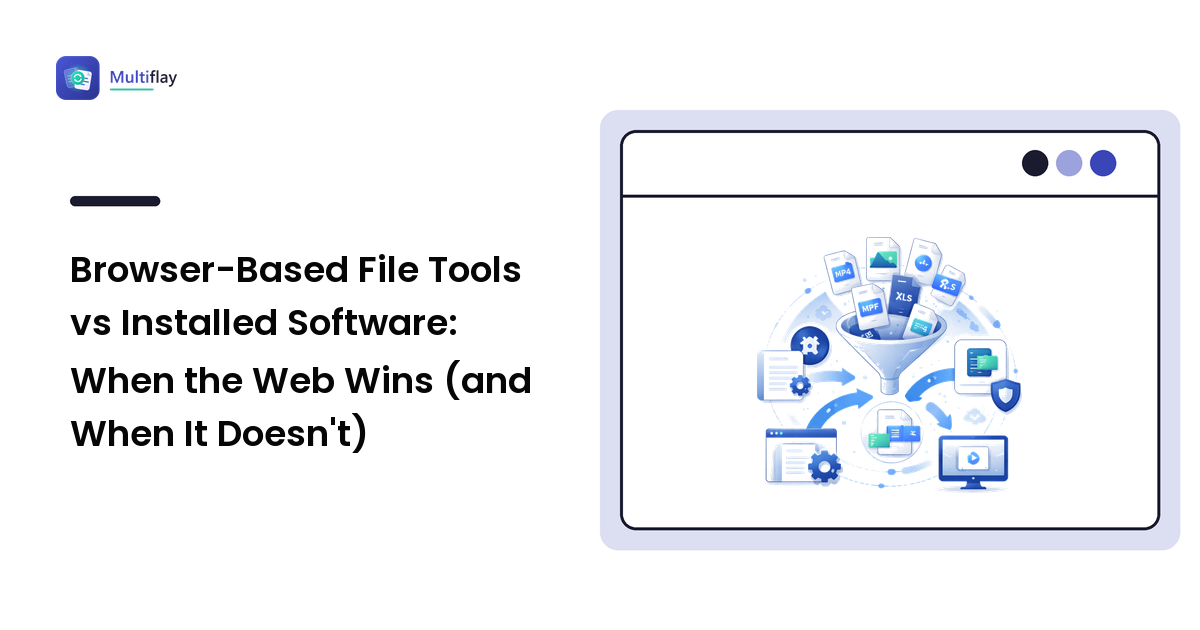
There's a small decision you make every time a file won't cooperate: install something, or open a tab. For years the reflex was to download a program — a PDF editor, an image converter, an "everything" utility that came with a toolbar you didn't ask for. Today, a surprising share of that work happens in the browser, no installation required. The question is no longer whether web-based tools can do the job. It's knowing which jobs they do better than installed software, and which ones they don't.
This is a practical comparison, not a verdict. For the everyday tasks most people face — converting a photo, shrinking a PDF to fit an email, reformatting a messy data file — browser-based tools usually win on speed and convenience. For a handful of specific jobs, installed software still earns its place. Here's how to tell them apart, plus what to watch on quality and privacy before you hand a file to any website.
The real question: which tool for this job
"Web tools vs desktop software" sounds like a rivalry, but they're not really competing for the same work. Installed software is built for depth and repetition; browser tools are built for reach and immediacy. The right choice falls out of a few honest questions about the file in front of you: How big is it? How sensitive? Is this a one-off, or something you'll do fifty times? Answer those, and the tool usually picks itself.
When browser-based tools win
For most everyday file jobs, the web wins for reasons that have nothing to do with raw capability:
- Nothing to install. No download, no admin password, no leftover background updater. This matters most on a locked-down work laptop where you can't install software anyway.
- Any device, same tool. The same page works on Windows, macOS, a Chromebook, or a borrowed machine. You're not tied to one operating system's app store.
- Right-sized for one-offs. When you need to do a thing once — convert a single HEIC photo (High Efficiency Image Format, the iPhone default Windows often can't open), merge two scans into one PDF (Portable Document Format) — installing a whole program is overkill. A tab is faster start to finish.
- Genuinely private options exist. Many modern browser tools do the work client-side — entirely inside your browser, with the file never uploaded. For quick, sensitive jobs that's often more private than desktop software that phones home.
If your work bounces between file types rather than living in one, it's worth bookmarking a general-purpose collection instead of hunting for a fresh single-purpose site each time. CoderzPassion is one such free web-tools hub: it gathers a broad range of browser-based utilities — converters, formatters, encoders, and text and developer tools — in one place. The reason to favor a maintained hub is practical rather than promotional: you re-learn one trustworthy site instead of vetting an unknown one every time a different format lands on your desk.
When installed software still wins
Being fair to the desktop, several jobs still belong there — and pretending otherwise would do you a disservice:
- Very large files or big batches. Converting one image is a browser job; converting five hundred, or a multi-gigabyte video, is where a desktop app's speed and lack of upload limits pull ahead. Heavy video editing in particular is desktop territory.
- Working fully offline. On a plane or a locked-down network with no connection, an installed program keeps working. A web tool that relies on server-side processing won't.
- Regulated or highly confidential material. For files under strict compliance rules, an approved offline tool your organization controls is often the required choice, full stop.
- Professional-grade fidelity. Precise color management, print-ready output, or fine-grained control over every setting is what dedicated desktop suites are built for.
Notice the pattern: desktop software wins at scale, isolation, and precision. Everything else — the quick, occasional, cross-device jobs that make up most people's file headaches — leans web.
What to watch before you upload
Convenience shouldn't switch off judgment. Browser tools introduce two things worth checking every time.
Quality. Conversion isn't always free of loss. Lossy formats — most image and audio conversions — discard some detail by design, and converting out of a lossy format never restores what an earlier step threw away. PDF-to-Word can reflow complex layouts because it's rebuilding an editable structure the PDF never really stored. None of this is a web-tool flaw specifically — it's true of desktop tools too — but the fix is the same everywhere: keep the original, convert a copy, and proofread the result.
Privacy. If a tool uploads your file (server-side processing), that file travels to someone else's computer. That's not automatically unsafe, but it means the operator's handling is what matters. Before you upload anything with real personal or business information, look for a stated deletion policy, an https:// address, and no demand that you create an account just to download your own result. Our guide to choosing a file converter you can trust walks through the full checklist — the same standards apply to any web tool, not just converters.
A simple way to decide
You don't need a flowchart. Reach for a browser tool when the job is occasional, the file is ordinary-sized, and you'd rather not install anything. Reach for installed software when the file is huge, the batch is large, the work must happen offline, or the material is genuinely confidential. When you're unsure, start in the browser — it's the lower-commitment option, and if it can't handle the file, you'll find out in seconds without having installed a thing.
FAQ
Are free online file tools safe to use?
For most everyday files, yes — with one honest caveat. When a tool uploads your file (server-side processing), safety depends on how that operator handles it, so check for a stated deletion policy and an HTTPS address, and prefer tools that work entirely in your browser for anything sensitive. Never upload genuinely confidential material to a site that won't say what it does with your file.
Do browser-based tools work as well as installed software?
For everyday jobs — converting, compressing, merging, reformatting ordinary files — they're usually indistinguishable in result. Installed software pulls ahead only on scale (huge files, big batches), offline work, and professional-grade precision. Match the tool to the job rather than assuming one is universally better.
When should I use desktop software instead of a web tool?
Choose desktop software for very large files or batches, work that must happen offline, and regulated or highly confidential material. For occasional, ordinary-sized files on any device, a browser tool is faster start to finish.
Tired of installing a separate program for every file type? CoderzPassion keeps a broad set of free, browser-based utilities in one place — worth a look if you'd rather keep your everyday tools together than vet a new site each time. Try CoderzPassion's free web tools and see whether it fits how you actually work.